
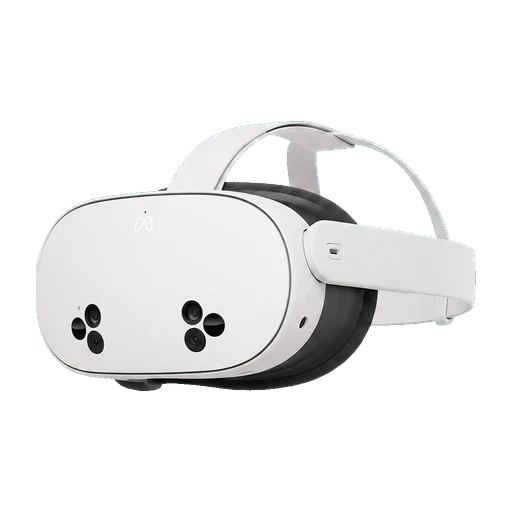
 VR — standalone
We recommend
Meta Quest 3S
Meta · 2024 · from $299
The cheapest headset here that is still a serious training device.
- Training-ready
- Skillsive apps run on it
- Per eye
- 1832x1920
- Weight
- 514 g
- Field of view
- 96°
Six classes of hardware, and for each model the figures that decide a rollout plus a date saying when we last checked them.
Every figure here has a source you can open. Most come from the manufacturer’s own spec page; where a maker publishes nothing — Apple states no per-eye resolution, HTC and PICO no weight — we show a measurement somebody else made, marked with “≈” and a link to whoever took it. Nothing is estimated, and nothing borrowed reads as a vendor claim.
The most recently announced hardware, newest first, including devices that have not gone on sale yet.
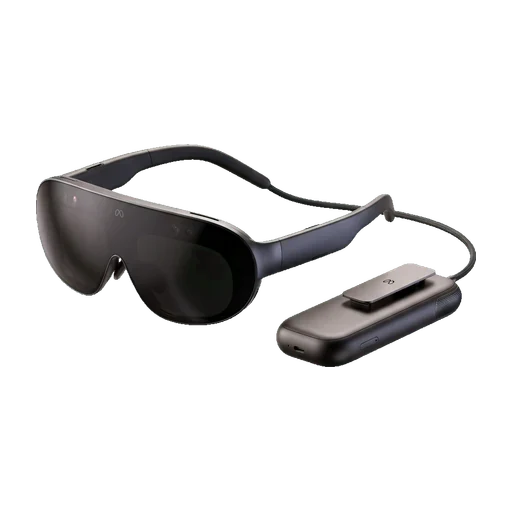
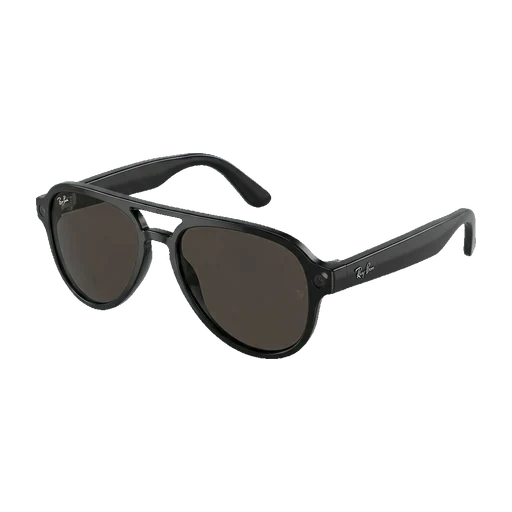
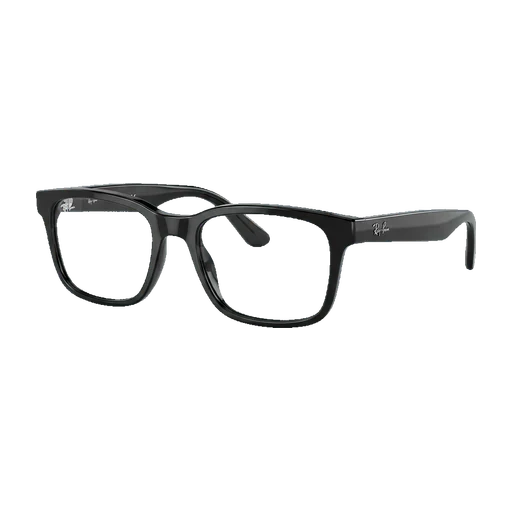
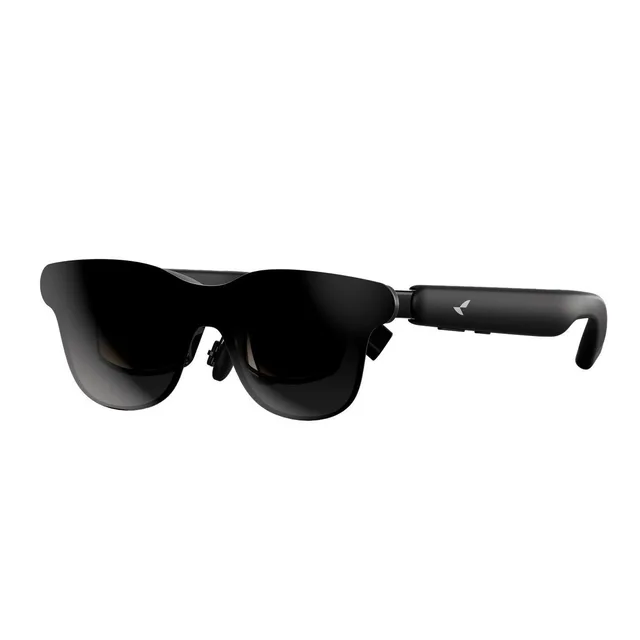
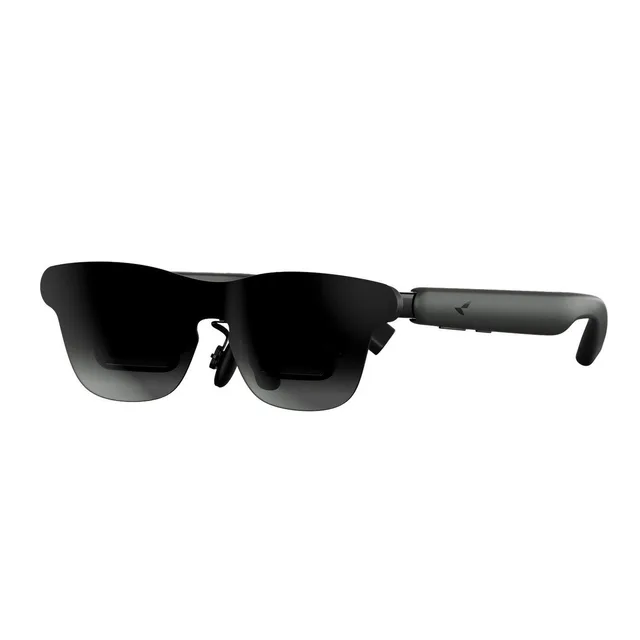
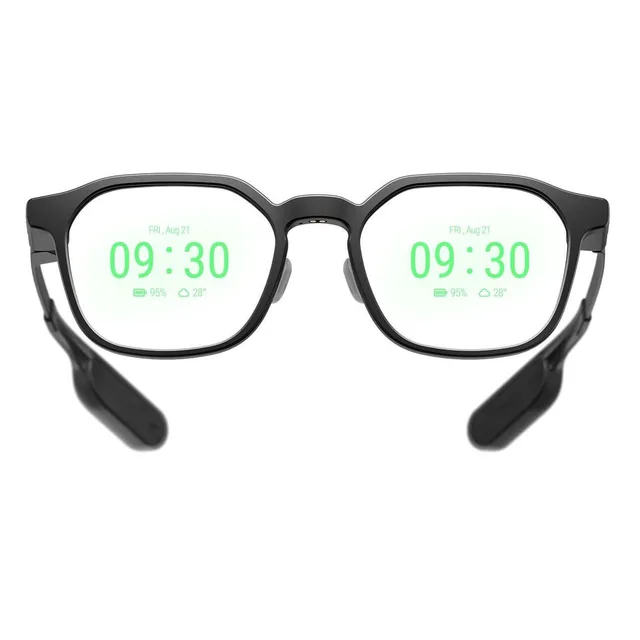
Four acronyms describe this hardware, and they are used loosely enough that two products both called "AR glasses" can have nothing measurable in common. Here is what each one means, and why this catalogue is organised the way it is.
Filtering by category is the first useful thing you can do here. A monocular screen on a hard hat and a pair of camera glasses share a shape and nothing else — comparing them in one table would be a wall of dashes.
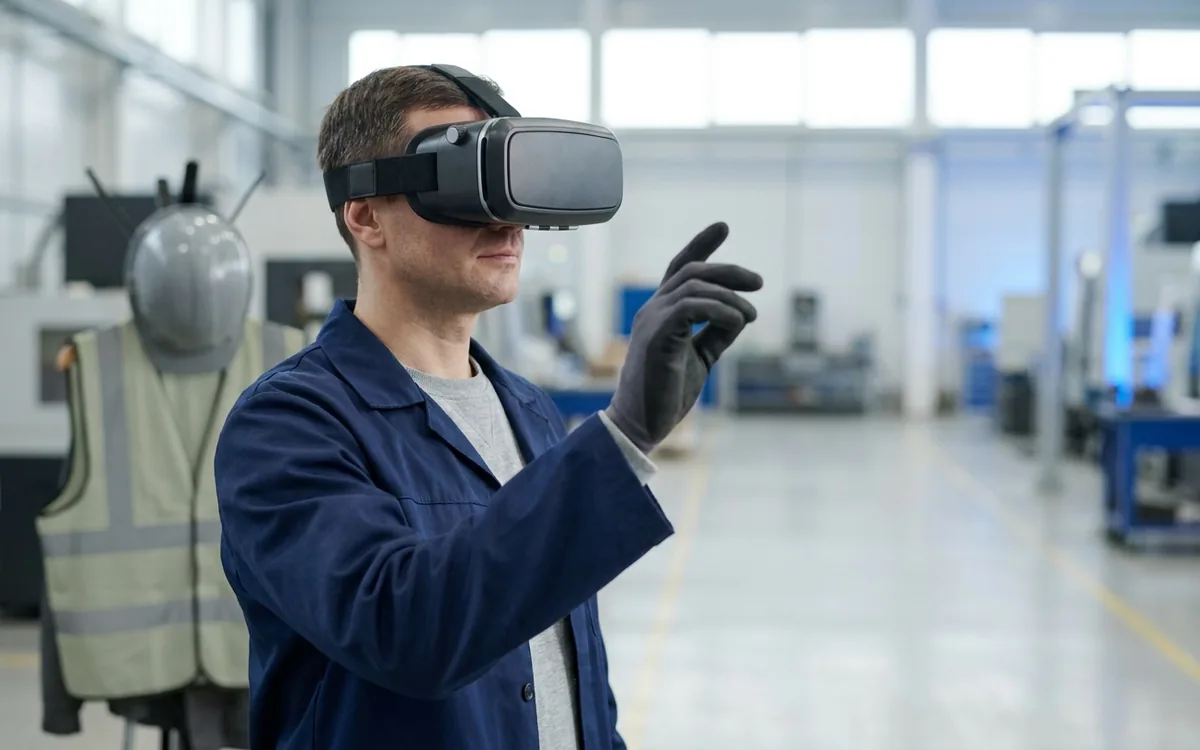
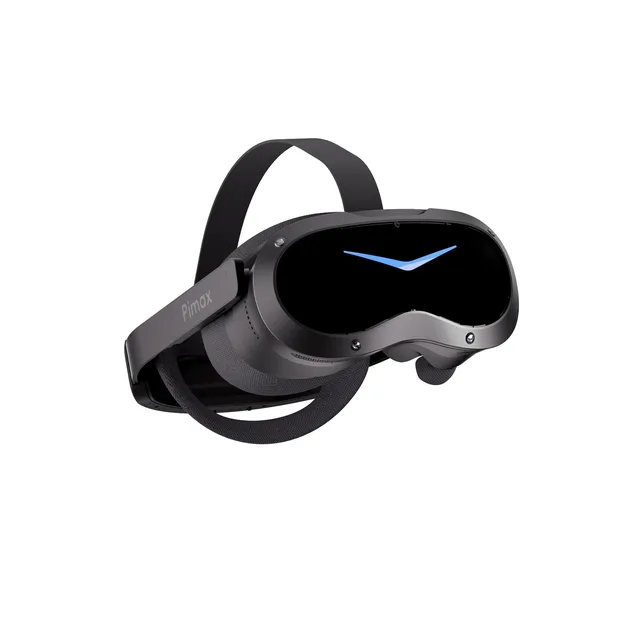
A headset with its own computer inside. This is where corporate training runs.
Browse this categoryA headset that renders on a PC. Highest fidelity, but our courses do not run on it.
Browse this categoryA monocular screen on a helmet or frame: hands-free work and remote expert support.
Browse this categoryTrue AR — content anchored in the room, tracked in six degrees of freedom.
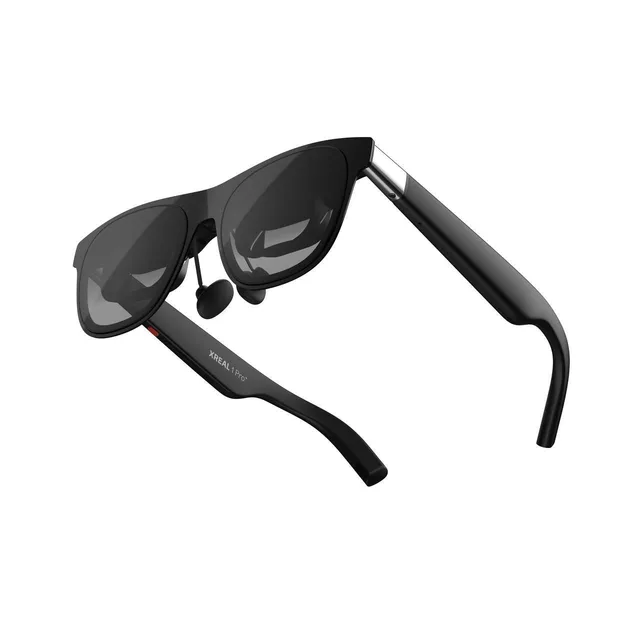
Browse this categoryA virtual monitor over USB-C. An external screen you wear, not a computer.
Browse this categoryCamera, audio and an assistant. Little or no display, and a closed platform.
Browse this categoryEverything sold as AR glasses, in one list.
113 headsets
Specs verified on 2026-10-21
VR — standaloneThe cheapest headset here that is still a serious training device.
 VR — standalone
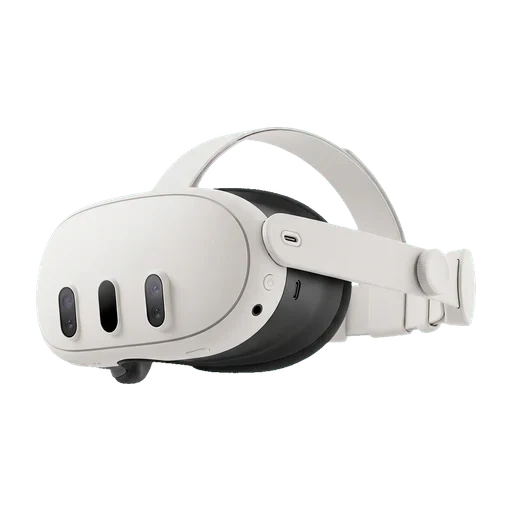
The default headset in corporate VR training — as long as you bring your own fleet management.
 VR — standalone
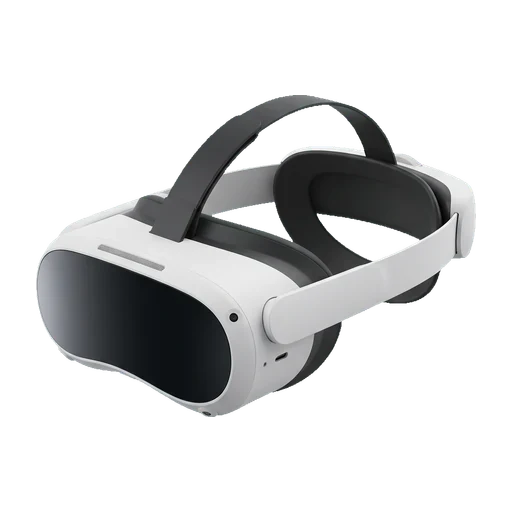
The PICO 4 Ultra without the enterprise console — same headset, consumer price.
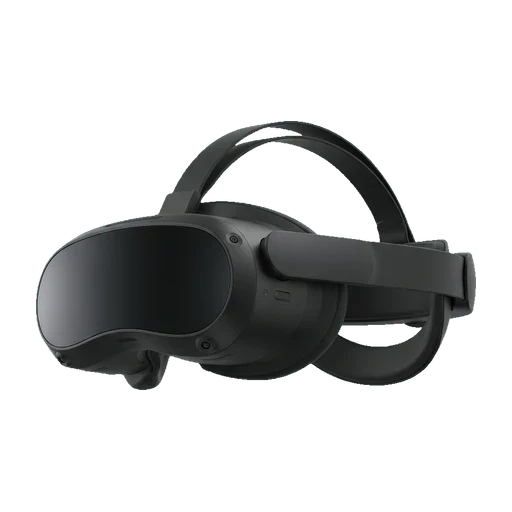 VR — standalone
Built for fleets from the start — the management console comes in the box.
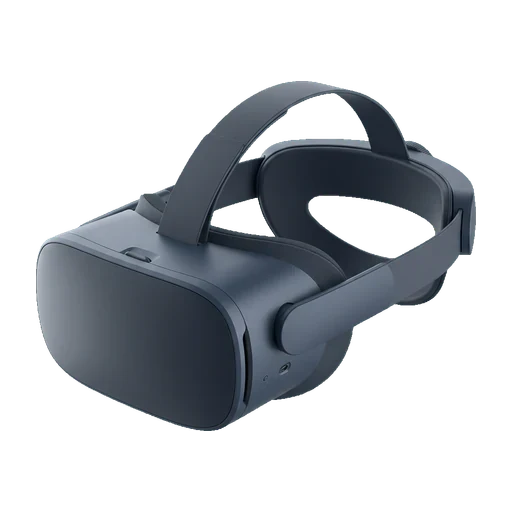 VR — standalone
The sharpest panel here, with enterprise terms attached to it.
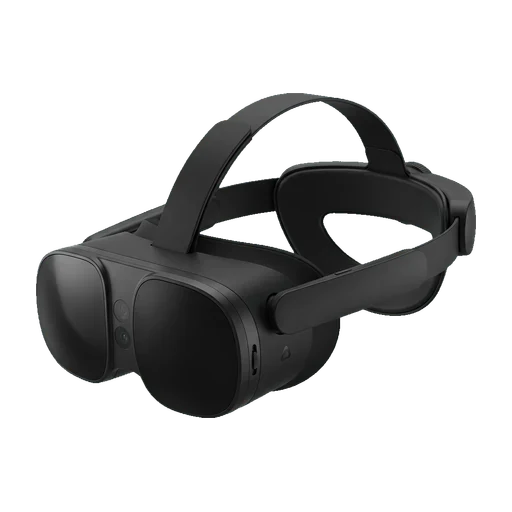 VR — standalone
HTC's convertible standalone — light on the face, with prescription built in.
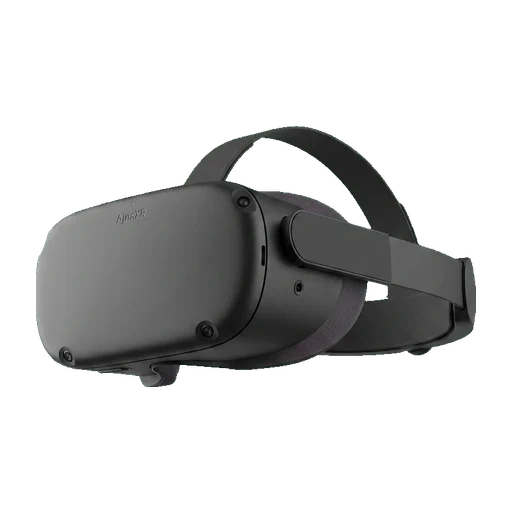 VR — standalone
India's own 2280x2280-per-eye trainer: pancake optics, eye tracking and a diopter dial, sold only by demo request.
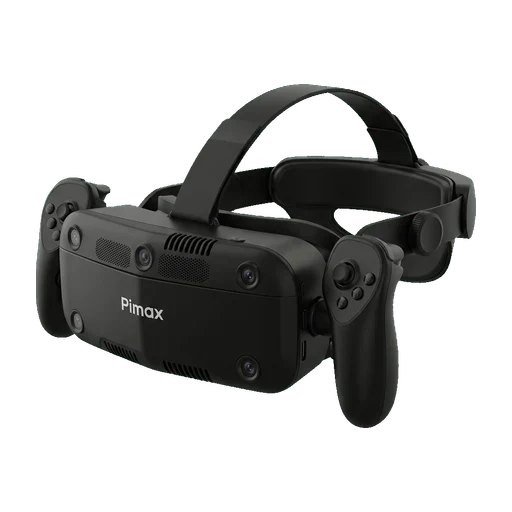 VR — standalone
A 367 g handheld games console that clips into a head-worn housing to become a 144 Hz standalone headset.
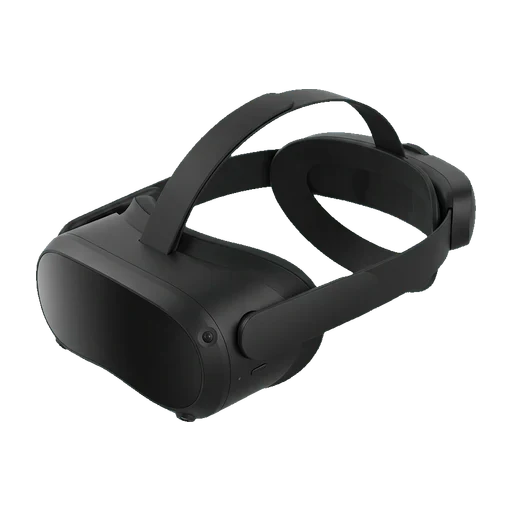 VR — standalone
Eye and face tracking on a fleet device, two years before that was normal.
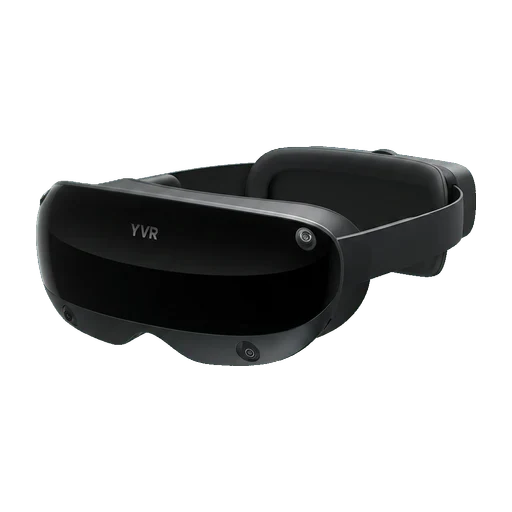 VR — standalone
The headset that got pancake lenses into mass production first, and paid for it with 1600x1600 per eye.
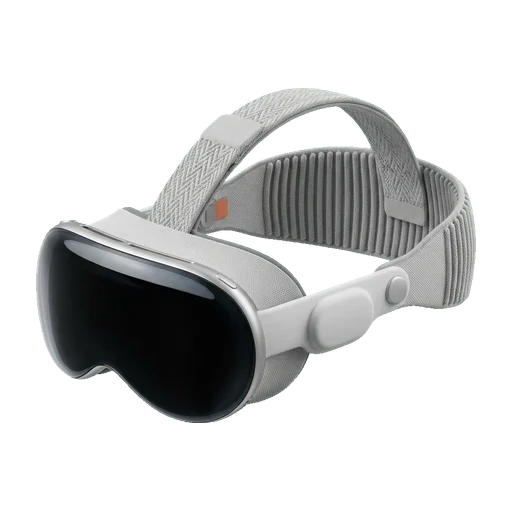 VR — standalone
The best display in this comparison, and the least practical training fleet.
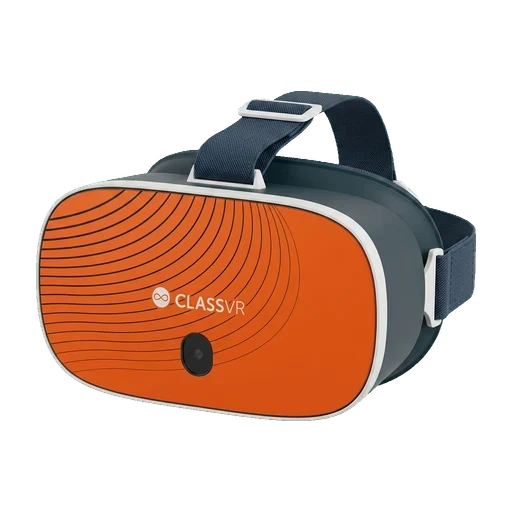 VR — standalone
A closed classroom VR system: an Android headset, a teacher portal that drives it, and content only from Avantis' own Eduverse library.

As a Meta Business Partner, our VR training applications are built and tuned for Meta Quest — the headset most companies deploy — and we support you in choosing and rolling out the right hardware.
Not sure which headset to buy for training in your company? We help teams pick the right VR/AR hardware for their rollout — and tell you honestly when the cheaper model is enough.
Help me chooseThis comparison is a data set, not an opinion piece. Here is exactly how it is put together, so you can judge whether to trust a row before you quote it.
Specifications change with firmware updates and hardware revisions. Before you order, open the manufacturer link on the model page and confirm the figures that matter to your decision.
Product and company names belong to their respective owners and are used here only to identify the hardware compared.
Every headset and pair of glasses in the catalogue by name, including models that are no longer sold. The filters above hide discontinued hardware; this list does not.
Product and company names used here are the trademarks of their respective owners and appear only to identify the hardware being compared. We are not affiliated with, sponsored by or endorsed by any of these manufacturers. Illustrations are our own.
For most safety training, a standalone headset with colour passthrough and a wipeable facial interface is enough. The deciding factors are rarely resolution: you need a device you can charge overnight, hand to a different person every twenty minutes, clean between users, and lock to a single application so nobody wanders into a browser. That is why the filters above sit on kiosk mode, hygiene and fleet management rather than on pixel counts.
Our position today is straightforward: for most companies we recommend Meta Quest. Not because the competition is weak, but because Quest is the most widely available and most commonly deployed headset on the market, we have tested our courses on it the most, and our applications are tuned for it — so it is the setup where everything simply works from day one. That said, our courses are not locked to one manufacturer: they run on PICO and HTC VIVE headsets too, because we build on open XR standards rather than a single vendor's SDK. If a course does not run on the hardware you already own, we can adapt it — talk to us before you change your fleet. And if the training belongs on a phone rather than in a headset, we can build an AR safety application for iOS and Android as well, so every employee can run it on the device already in their pocket.
Standalone wins for training almost every time. No cables to trip over in a room full of trainees, no gaming PC per station, and a crew can be trained in a warehouse corner instead of a lab. A PC-tethered setup is worth it only when the simulation genuinely needs desktop-class rendering — high-fidelity machinery, large CAD models, or eye-tracked research work.
Four things decide whether twenty headsets are manageable or a burden: a device management console (push an app to every unit without touching them), kiosk mode (the device boots straight into your training and nothing else), swappable facial interfaces (hygiene between users, and they are consumables), and a business licence tier so the devices are not tied to personal accounts. A model that scores well on specs but fails these will cost more in admin time than it saved on purchase.
Industrial glasses put a small screen in the corner of one eye so hands stay on the work. Spatial AR anchors content in the room and tracks your position in it. Wearable displays are a monitor you wear — the image comes from a phone or PC on a cable. AI glasses have a camera, microphones and an assistant, and usually no screen at all. Only the first two can guide a worker through a task.
This is the question a spec sheet never answers. A standalone Android device takes an ordinary APK and can be managed by an MDM, which is where a training application is realistic. A vendor-SDK platform needs a build written for that platform, which is a project, not a deployment. On a wearable display the application lives on the connected phone or PC. On closed AI glasses there is no third-party path at all. To be plain about our own catalogue: Skillsive training courses are VR applications, and none of them runs on AR eyewear of any class — including the industrial glasses that would technically accept the package. Custom AR work is a separate service, not something you can filter for here.
Official availability matters more than it sounds: it decides warranty handling, VAT invoicing and how quickly you can replace a broken unit. Use the “Available in Poland” filter to narrow the list to models with an official distribution channel, and check the manufacturer page linked on each model card before ordering — availability changes faster than specifications do.
Hardware whose maker has announced it officially, with the release window it stated. Everything the manufacturer has not published — prices above all — is missing here rather than filled in from leaks.