
Software development on demand
Custom VR and AR app development for the machine, procedure or site only your people know
From an immersive training simulation to the web panel that measures whether it worked.
An in-house team of 3D artists, Unity and web developers based in Poland, with over ten years of software experience and our own production platform behind us. Tell us what you need — we will design it, build it, ship it to your headsets and keep it running.
- 10+
- years of software experience in the team
- 30+
- VR apps built to order for clients
- 50+
- VR apps of our own in the catalogue
- PL
- team in Poland, data in the EU
What we can build for you
Standalone headsets, tethered simulators, phones, smart glasses, the browser — and the web layer that ties them together. If it renders in 3D or runs in a browser, it is in scope.
Standalone VR applications
All-in-one headsets with everything built in. No PC, no cables, no external sensors — put it on and train.
- Meta Quest 3, 3S, Pro and Quest 2
- Pico 4 and Pico 4 Ultra, HTC Vive Focus and XR Elite
- Controllers and hand tracking, room-scale or seated
- Runs fully offline, distributed to your fleet from the panel
PC VR and stationary simulators
When you need maximum fidelity, a physical control panel or hardware in the loop — a workstation-class simulator built around real equipment.
- SteamVR and OpenXR, Valve Index, Varjo
- High-detail environments and physics
- Integration with external hardware and control panels
- Multi-user sessions and an instructor view
AR applications for smartphones
Augmented reality without buying any hardware — everyone already has the device in their pocket.
- iOS with ARKit and Android with ARCore
- Marker-based and markerless tracking
- Instructions and warnings overlaid on a real machine
- A QR code on the equipment as the entry point
Mixed reality and smart glasses
A digital layer over the real workplace. The employee sees their actual surroundings and the guidance on top of them.
- Passthrough MR on Meta Quest 3 and Vive XR Elite
- Smart glasses of the XREAL and Rokid class
- Hands-free, step-by-step procedure guidance
- Remote assistance and on-site inspections
Web and WebXR applications
3D, VR and AR that open from a link. No installation, no store approval, no IT ticket.
- WebXR in the browser on a phone, laptop or headset
- 3D product configurators and interactive demos
- Embeddable in your intranet or on a landing page
- Games and gamified onboarding available to everyone instantly
Web applications and panels
The part nobody sees in a demo and everybody needs on day two: the system that manages the whole thing.
- Dashboards, admin panels and reporting
- REST APIs, SSO and integrations with your systems
- Data models, migrations and access control
- Cloud hosting, monitoring and maintenance
The headset is not the end of the project
A VR application on its own gives you an impression. A VR application connected to a web panel gives you evidence. This is what we do best: everything that happens inside the simulation becomes data you can report on.
Inside the headset
The application records every interaction, decision, mistake and how long each step took — not just whether someone pressed start.
Sync to the API
Results go to the server as soon as there is a network. Sessions run offline queue up and upload the moment the headset reconnects.
Scored in the panel
Pass or fail, per-step scoring, number of attempts, time on task and the full history for every employee.
Out to your systems
Reports, exports and certificates, plus an API your LMS, BI or HR system can read directly.
What the web side gives you
- Employees, groups and organisations with roles and permissions
- Dashboards showing who trained, when and with what result
- Certificates from your own template, digitally signed and QR-verifiable
- CSV and XLSX exports plus an API for your BI or HR system
- Headset fleet management: pairing, kiosk mode, remote content assignment
- Offline operation with automatic sync once a device is back online
Applications that use AI
AI is not a bullet point on our roadmap — it runs in our production pipeline today. We can put the same capabilities into your application.
Conversational AI characters
A trainee talks out loud to a virtual co-worker, patient or customer. Speech recognition, a language model and synthesised voice, in the language of the training.
Automatic translation and voice-over
One application, many language versions. We run AI translation and dubbing in production on our own platform, so a new market does not mean a new recording session.
Scoring open-ended answers
AI evaluates what the trainee actually said or wrote, so you can test judgement and communication — not only which button was pressed.
Computer vision
Recognising real objects, protective equipment, gestures or machine states from the device camera, and reacting to them inside the application.
Generating content and scenario variants
Accelerating production of texts, variants and voice-over, so a scenario library grows in weeks instead of quarters.
You are not starting from zero
Skillsive is our own product, built and maintained by the same team. Your custom application can plug straight into it, so you pay for the simulation — not for rebuilding the management layer around it.
Training management
Assign courses, manage trainees and groups, track who completed what.
See how the platform worksHeadset fleet management
Pair devices, push content and run kiosk mode across the whole fleet from a browser.
See how the platform worksAnalytics and reporting
Completion rates, scores, attempts and time on task, exportable to CSV and XLSX.
See how the platform worksVerifiable certificates
Your own template, a digital signature and a QR code anyone can verify online.
See how the platform worksOffline operation
Training runs without a network and syncs results automatically once reconnected.
See how the platform worksMulti-language content
Texts, voice-over and interface in the trainee's own language, managed centrally.
See how the platform works
How we work
Six stages, each ending with something you can see and comment on. No months of silence followed by a surprise.
Stage 1: Workshop and needs analysis
We sit down with the people who know the process: what has to be trained, what goes wrong today, what counts as success. Output: scope, goals and measurable criteria.
Stage 2: Scenario and interaction design
We write the training flow — tasks, decisions, mistakes and their consequences — and decide what gets scored. You approve the script before anyone models a single object.
Stage 3: 3D production and art
Environments, machines, characters and animations. Where it matters we work from your documentation, photos or CAD so the virtual site matches the real one.
Stage 4: Development and integration
Building the application, the interactions and the data layer: what gets recorded, how it is scored and where it lands in the panel or your systems.
Stage 5: Testing with real users
We put the application on real people from the target group, not just on developers. Comfort, clarity of instructions and difficulty all get corrected here.
Stage 6: Rollout, support and updates
Deployment to your headsets, training for the administrators, and then ongoing support: fixes, new device generations and new scenarios as needs change.
Ways to work together
Not every project needs the same commercial model. Pick the one that matches your budget and how exclusive the application has to be.
Preferential development
We share the production cost, so your investment is significantly lower.
- Perpetual licence for your organisation
- Updates and technical support included
- The application may also be offered in our catalogue
- The fastest route when exclusivity is not critical
Full ownership
You cover the full production cost and the application stays exclusively yours.
- Exclusive rights on the terms of the contract
- Never offered to anyone else, including competitors
- Source code and assets handed over as agreed
- Your branding, your process, your intellectual property
Extending an existing application
The cheapest and fastest option: we adapt an application that already exists.
- Your procedures, signage and branding
- Your site layout and equipment
- An extra language or an extra scenario
- Weeks instead of months to go live
Why us
We are not a studio that discovered VR last year, and we are not a broker passing your project down a chain of subcontractors. Software is what we do for a living, we run our own platform in production, and the same people who maintain it will build your application.
- 10+
- years of commercial software development in the team
- 30+
- VR applications built to order for specific clients
- 50+
- VR applications of our own in the Skillsive catalogue
- 100%
- in-house: design, 3D, Unity, backend and web
One team in Poland, the whole stack
Scenario design, 3D art, Unity development, backend, web panel and cloud — all done by our own employees in Poland, under one roof. Nothing is passed to an outside vendor, so nothing gets lost between them.
We run our own product
Skillsive is used daily by real organisations. Everything we recommend to you, we already operate ourselves — including the boring parts like updates and support.
Domain knowledge, not just code
Years of safety, fire protection and first aid training mean we ask the questions that actually shape the scenario, instead of implementing a specification literally.
Built to last past launch
New headset generations, new regulations, new procedures. An application we build is maintained, not abandoned at handover.
Applications we have already built
A sample of custom applications delivered for clients — each one designed around a specific process, site and set of risks.
- Industry and maintenance
Lockout / Tagout (LOTO)
Controlling hazardous energy before machinery maintenance, practised step by step on a virtual line.
- Logistics
Warehouse and logistics safety
Safe and efficient work in a virtual warehouse: traffic routes, loads, racking and forklift interactions.
- Gamification and ESG
Recycling and waste segregation
Gamified environmental training where sorting waste correctly is the game mechanic.
- Product demonstration
Electrostatic technology demonstration
An interactive showcase of an industrial technology and its practical applications, built for trade shows and sales.
- First aid
CPR and first aid
Resuscitation and emergency response practised in realistic scenarios, with feedback on technique and timing.
See them running
Recordings from applications we built. Not renders or concept footage — this is what the trainee sees inside the headset.
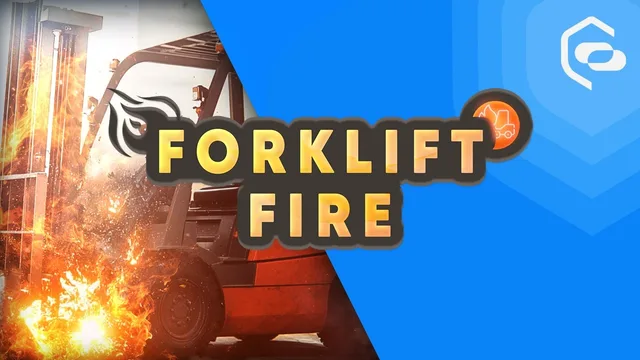 Industry
Lithium-ion battery fire
A forklift battery goes into thermal runaway. The trainee has to recognise the signs and react before it escalates.
(opens on YouTube)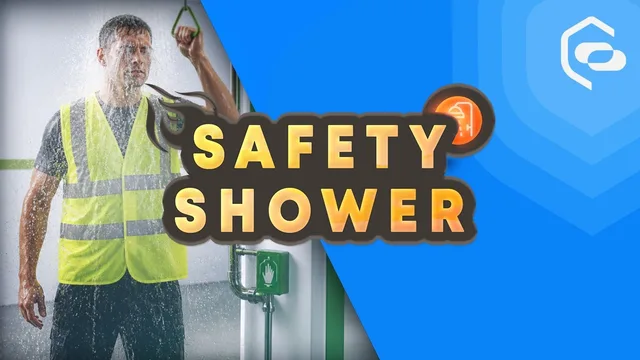 Chemicals
Safety shower and eyewash
Emergency response after a chemical splash: reach the shower, rinse correctly, raise the alarm.
(opens on YouTube)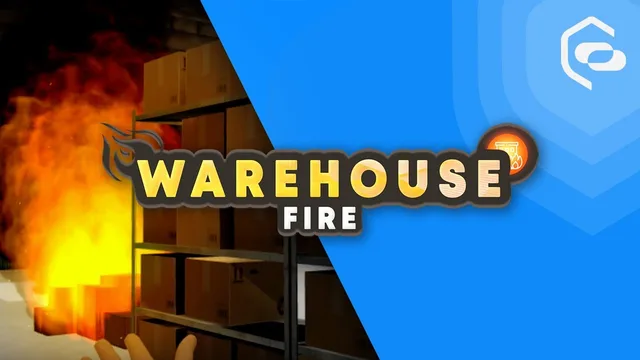 Logistics
Warehouse fire
Evacuation and first response in a burning warehouse, with racking, traffic routes and smoke.
(opens on YouTube)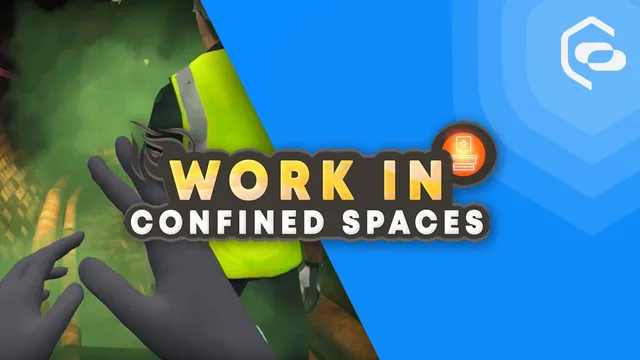 High-risk work
Confined spaces
Entry procedure, atmosphere testing and rescue in a confined space — practised without the risk.
(opens on YouTube)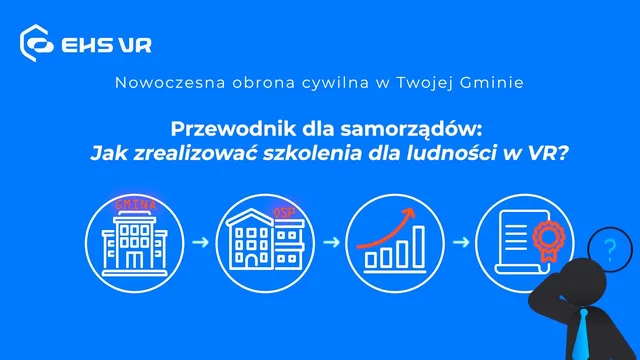 Public sector
Civil defence for municipalities
A commissioned application teaching residents how to react to an air raid, evacuation and CBRN threats.
(opens on YouTube)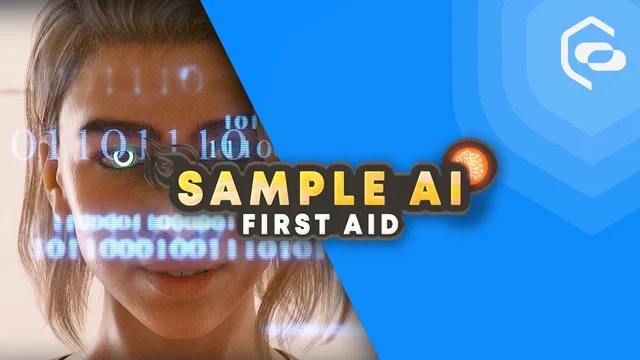 AI
AIConversational AI character
A demonstration of a virtual character the trainee talks to out loud, answering in the language of the training.
(opens on YouTube)
Devices and platforms we ship to
Frequently asked questions
- How long does it take to build a custom VR application?
- A single, well-defined scenario typically takes around 8 to 16 weeks from the first workshop to a working application on your headsets. Larger projects with several scenarios, custom hardware or complex integrations take longer. Extending an application that already exists in our catalogue can be done in weeks.
- Which headsets and devices do you build for?
- Standalone headsets (Meta Quest 3, 3S, Pro and Quest 2, Pico 4 and 4 Ultra, HTC Vive Focus and XR Elite), PC VR and simulators (SteamVR and OpenXR, Valve Index, Varjo), smartphones with ARKit and ARCore, smart glasses, and WebXR in the browser. If you already own hardware, we build for it; if you do not, we help you choose.
- Do you only build safety training?
- No. Safety, fire protection and first aid are where we have the deepest domain knowledge, but the technology is not limited to them. We build onboarding, machine operation, quality control, customer service and soft-skills simulations, product demonstrations and configurators, and gamified training on subjects that have nothing to do with risk.
- Do the results end up in our LMS or HR system?
- Yes. Every application we build records what happened in the simulation and sends it to a web panel. From there results are available as dashboards, CSV and XLSX exports, certificates, or through an API your LMS, BI or HR system reads directly. If you have no system yet, you can use ours.
- Do we own the application we pay for?
- It depends on the model. Under full ownership you cover the production cost and the application stays exclusively yours, with source code and assets handed over on the terms of the contract. Under preferential development we co-fund the build, you get a perpetual licence with updates, and the application may also appear in our catalogue.
- Can you adapt an application that already exists instead of building from scratch?
- Often yes, and it is the fastest and cheapest route. We can rework an application from our catalogue to match your site layout, equipment, procedures, signage and branding, or add a language or an extra scenario. It is worth asking before commissioning a new build.
- Do we have to buy headsets from you?
- No. You can buy the hardware yourself, use devices you already own, or order them together with the project. We will tell you which headsets fit the scenario, how many you need for the group size you have in mind, and how to manage them.
- What do you need from us to prepare a quote?
- A description of the process to be trained, roughly how many people will use it and how often, the devices you already have if any, and any deadline you are working to. That is enough for a first conversation and an initial estimate. Documentation, photos or CAD of the real site help, but are not needed to start.
- How much does a custom VR application cost?
- It depends entirely on scope, and the honest answer is a range: the projects we have delivered run from a few tens of thousands of złoty for a single, tightly-scoped scenario up to several hundred thousand for a large application with many scenarios, custom hardware or deep integrations. Adapting an application that already exists in our catalogue sits at the bottom of that range. We give a concrete figure after the first workshop, once the scope is actually defined — before that any number would be a guess.
- Who actually writes the code — do you subcontract or offshore any of it?
- Nobody outside the company touches it. The whole team is employed here in Poland: scenario design, 3D art, Unity development, backend and the web panel. There is no chain of subcontractors between you and the people building your application — you talk to the developers directly, in a working day that overlaps with yours, and the contract, the personal data and the intellectual property all stay under EU law. It is also why quality stays consistent from project to project: the people who built and maintain our own production platform are the ones who build yours.
Have an idea? Let's price it.
Tell us what you want to train, demonstrate or simulate. We will tell you what it takes, how long it will run and what it will cost — with no obligation.