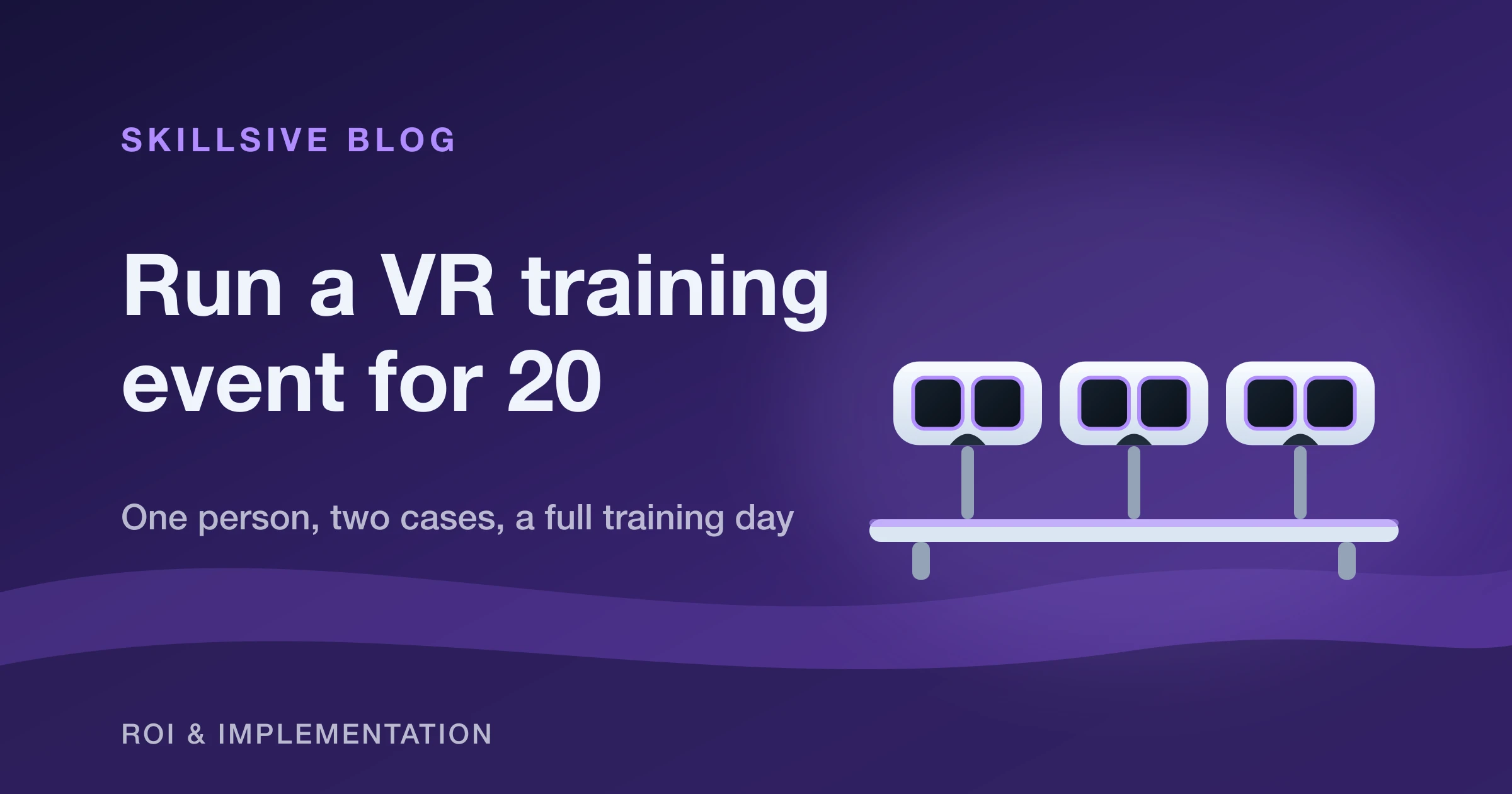
A VR training event is a session where people rotate through virtual-reality scenarios at a station, one after another, instead of learning from slides. This is a field guide to running a VR training event for 20 people — the way I actually set one up, alone, with 20 headsets in two cases, to run for the best part of eight hours. It is not theory. It is the checklist I wish someone had handed me the first time: the room, the headsets, the batteries that get you through a full day, the boundary, and the hygiene routine that keeps a queue of people moving.
I run these events wearing two hats — as a State Fire Service officer I have spent years on the training side of safety, and as a co-founder of EHS VR I now set up the headsets that teach it. The good news for anyone dreading the logistics: a well-prepared VR station is a one-person job.
What's in the kit
Twenty standalone headsets (Meta Quest 3S), a clip-on external battery for each, chargers, a chair per station, wipeable face inserts and cleaning wipes. That is the whole event — no PC, no cables, no IT project.
Here is the full walkthrough we filmed — the whole station going up, start to finish:
Set up the room first
Before a single headset comes out of the case, arrange the chairs. Each participant needs a clear circle around them, so keep at least 1.5 m between every chair and from the walls or neighbouring stations. People swing their arms in VR more than they expect; that margin is what stops a knuckle finding a wall or another participant.
At most events VR is one station among several — ours usually sits alongside four others — so you rarely get the whole room. Claim your corner, space the chairs, and only then start unpacking. Setting the layout first means you are placing headsets into a finished space instead of shuffling furniture around live equipment.
Prepare and check every headset
Lay a headset and its equipment out at each station, then power them all on. While they wake up, check the three things that make a headset event-ready:
- A silicone face insert. It is wipeable, so it is the piece that lets you disinfect between participants in seconds. Fit one on every headset.
- An adjustable strap. People's heads differ; a strap that tightens quickly keeps each fitting short and comfortable.
- A port for an external battery. This is what turns a two-hour headset into an all-day one.
I run these on the Meta Quest 3S. It works outdoors, but I keep events indoors whenever I can — direct sun can damage the lenses, and controlled light gives a cleaner picture. If you are weighing which headset to standardise on, we compared the options in Quest 3 vs Quest 3S for VR training.
Power it for a full day
This is the part that decides whether your event survives to the afternoon. A standalone headset alone will not last eight hours, so the whole trick is a battery rotation you set up once and keep turning over.
Here is how the power works in practice, from my own runs:
| Stage | What's powering the headset | Roughly how long |
|---|---|---|
| External battery clipped on | The clip-on battery charges the internal one first | ~2 hours |
| External battery drained | The headset switches to its internal battery | ~2 more hours |
| Swap and charge | Remove the empty battery, drop it in the charger (~1–1.5 h to full) | keep rotating |
Clip the external battery onto the headset and it feeds the internal one, so the pack on the back drains first. When it empties, the headset shows a warning and switches to its own battery — about two more hours. That is roughly four hours per headset before you touch it. Then you pull the empty external battery, put it on charge, and clip on a fresh one. With one battery on the headset and one in the charger, you can keep a station going for eight hours, and honestly for twelve if you need to.
Charge two at once
If you are short on chargers, a twin battery charger that holds two packs and tops them up together saves you constant swapping. At a 20-headset event, batteries in rotation are the thing you manage all day — make that as painless as possible.
Set the boundary and the play area
Set each headset's guardian boundary to room scale, or to a large stationary area when the chairs sit close together. Stationary is the safer default for a packed room: it keeps the experience centred on the seat rather than inviting people to walk.
The chair earns its place here. It marks the centre of the play area and gives the participant something real to reach for — a hand on the backrest is a quick way to reorient if the virtual world gets intense. Position each person by their chair before you hand over the headset.
Keep it hygienic between participants
At a 20-person event the headset is shared all day, so hygiene is not optional — it is what keeps the line moving. The wipeable silicone insert exists for exactly this: wipe each headset down after every single participant. It takes seconds and it visibly reassures the next person in the queue. Skip it and you will feel the hesitation; keep it up and nobody thinks twice.
Reset between sessions
Between participants, do two quick things. First, disinfect, as above. Second, check the scenario has restarted and is waiting on its start screen. If it has not reset itself, use the in-app watch on the wrist to restart it, then hand the headset to the next person already in the right place. A few seconds of reset discipline is what keeps every participant getting the same clean start instead of dropping into the middle of someone else's session.
One person, one station, a full day
None of this needs a crew. The reason a VR training event runs smoothly is front-loaded preparation: lay everything out, power every headset, and set the boundaries before the first person arrives. After that it is a rhythm — brief, headset on, run, headset off, wipe, reset, next — and one person keeps it turning.
If you are earlier in the journey, start smaller: our guide to running a VR training pilot with one headset is the natural first step before a 20-person day, and the help centre walks through connecting a headset and preparing devices. When you are ready to pick scenarios, browse the VR course catalogue — and if you want the event-day version of this checklist in one place, we keep it in the help centre under running a VR training event.
Twenty headsets, two cases, one person, eight hours. It sounds like a lot until you have done it once — then it is just a checklist.