A training record is the evidence that a specific person was trained on a specific topic, on a specific date, and actually met the standard. Whether you keep it on paper or in a learning management system (LMS), the record has to prove the same thing. The short answer to "paper vs an LMS" is that both are legal, but paper makes the evidence slow to find and easy to lose, while an LMS keeps the same training records searchable, exportable and audit-ready at all times.
That distinction matters most on the day you least expect it: an inspection, an accident investigation, a client audit. At that moment the question is never "do you run training?" — it is "prove this named worker was competent on this date." A binder can answer that in twenty minutes of flipping pages, or not at all if the sheet is missing. This article covers what a training record must contain, where paper quietly fails, and what an LMS changes.
What a training record has to prove
A training record exists to prove competence, not just attendance. ISO 45001 asks organisations to determine the competence workers need, ensure they have it, and retain documented information as evidence of competence (ISO 45001:2018). In practice that means each record should capture who was trained, on what topic, when, by which trainer or provider, and proof the person met the standard — typically a passed test or assessment, because the training itself does not prove the skill stuck.
That last point is where thin records fall down. A signature on a sign-in sheet proves someone was in the room. It does not prove they can isolate a machine or use an extinguisher. Standards that mandate training — from ISO 45001 down to specific rules like OSHA's lockout/tagout requirement to retrain and document it (OSHA 1910.147) — expect evidence of outcome, not just presence. We cover that gap for one topic in what lockout/tagout training must cover.
Paper records: where they hold up, where they fail
Paper is legal and, for a tiny team, sometimes enough. Where it fails is at scale and under time pressure. A binder cannot be searched — finding every worker whose fire-safety refresher expires this quarter means reading every page. It cannot be in two places at once, so a site audit and a head-office review compete for the same folder. And it degrades: sheets go missing, ink fades, a coffee spill takes out a year of forklift training in one afternoon.
The deeper problem is proof of integrity. During an audit you may need to show a record was not altered after the fact. A pile of loose paper cannot demonstrate that; a dated, access-controlled digital entry can. None of this makes paper illegal — it makes paper expensive in the one currency an audit runs on, which is time and confidence.
An LMS: the same evidence, kept live
An LMS holds the same facts as the binder, but as structured data instead of ink. Every completion is a row: worker, course, date, score, expiry. Because it is data, you can filter it — show everyone whose certificate lapses next month, everyone who passed a given scenario, everyone on a site who still owes a refresher. The record stops being an archive you dig through and becomes a live view of who is current and who is not.
The audit itself gets shorter. Instead of retrieving folders, you filter to the named worker and export the result. On the Skillsive platform, for example, completion tables for courses, apps, devices and learners can be exported to CSV or Excel in one click, with the file matching the filters you set — so "prove these fifty people were trained" is a download, not a day. The same delivery that creates the record digitally also removes the transcription step: as noted in VR vs e-learning for compliance training, digital training writes its own completion log.
Certificates and verification
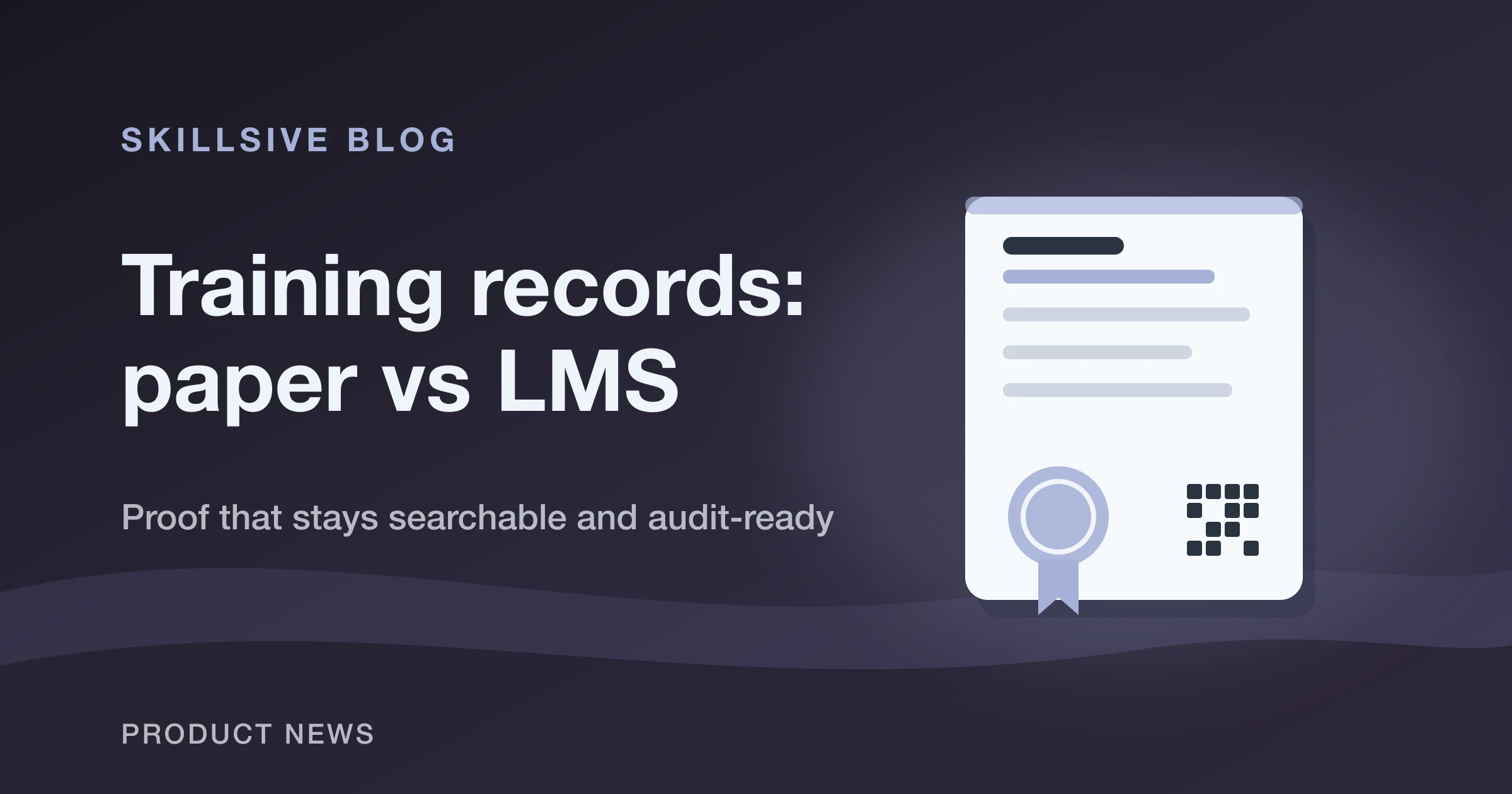
A certificate and a training record are two outputs of one event, and a good system produces both. The record is your internal audit trail; the certificate is the proof handed to the trainee — and, increasingly, something a third party wants to verify. This is where digital pulls clearly ahead of paper: a printed certificate can be forged or simply claimed, while a verifiable one can be checked.
Skillsive builds certificates from your own PDF template, lets you place the fields — name, date, number, instructor signature, stamp — visually, and can drop a QR code anywhere on the page so a scan confirms the certificate is genuine. Issued certificates can also be managed in bulk: revoke with a shared reason, remove voided ones, or download a batch as a single ZIP. Those are ordinary needs the moment you issue more than a handful, and they are painful to do on paper.
What to look for when you move off paper
If you are leaving binders behind, judge a system on how it handles the audit-day questions, not the demo-day ones. Can you filter to a single worker and export their history in seconds? Does it track expiry and flag who is due, rather than making you calculate dates? Does a completion — including a VR session — create the record automatically, or does someone still key it in? Can certificates be verified, revoked and batch-exported?
Get those right and the medium stops being a compliance risk and becomes a reporting asset. Browse the VR course catalog to see which training already reports completions automatically, read VR training ROI: when headsets pay off for the wider business case, and use the help center to set up certificates and completion tracking. The goal is simple: on the day someone asks you to prove it, the answer should take a filter and a click — not a folder.